
How to Set Up a QR Code Menu for Your Café in 10 Minutes
On this page
Setting up a QR code menu sounds technical but for most Moroccan cafés it is one of the fastest upgrades you can make.
Step 1: Gather Your Menu Items
List all items with prices. Most platforms import PDFs with AI. See our JBUJB step-by-step guide for merchants.
Step 2: Choose a Platform
Look for Arabic, French, and English support. Compare options in our best platforms guide.
Step 3: Organize Categories
Group items logically. Clear categories directly impact how digital menus increase sales.
Step 4: Add Photos
Menus with photos drive up to 25% higher order values. See best practices for menu design in Morocco.
Step 5: Generate and Print Your QR Code
The QR code stays the same even when you update the menu later. See advantages of QR menus for cafés.
Step 6: Test on iOS and Android
Confirm fast loading before going live.
Common Mistakes
- Linking to a PDF instead of a mobile-optimized page
- Forgetting to update prices after switching from paper
- Skipping Arabic/French for tourist areas like Marrakech medina
FAQ
Can I set this up without a developer?
Yes. Most setups take under 30 minutes.
What if I need to change a price?
Edit on your phone — changes are instant for all customers scanning.
Does the QR code expire?
No. It works permanently even as your menu changes.
See also: 7 Proven Benefits of QR Code Menus | What Is a Digital Menu?
Centralise your orders, tables and sales
Menu, ordering and reporting for restaurants and cafés.
Discover JBUJBRelated articles
 Business Tips POS Cash Register System for Restaurants in Morocco: The Complete Guide Features, selection criteria and the JBUJB POS solution: everything you need to know about cash register (POS) systems for restaurants, cafés and… 4 weeks ago · 8 min read
 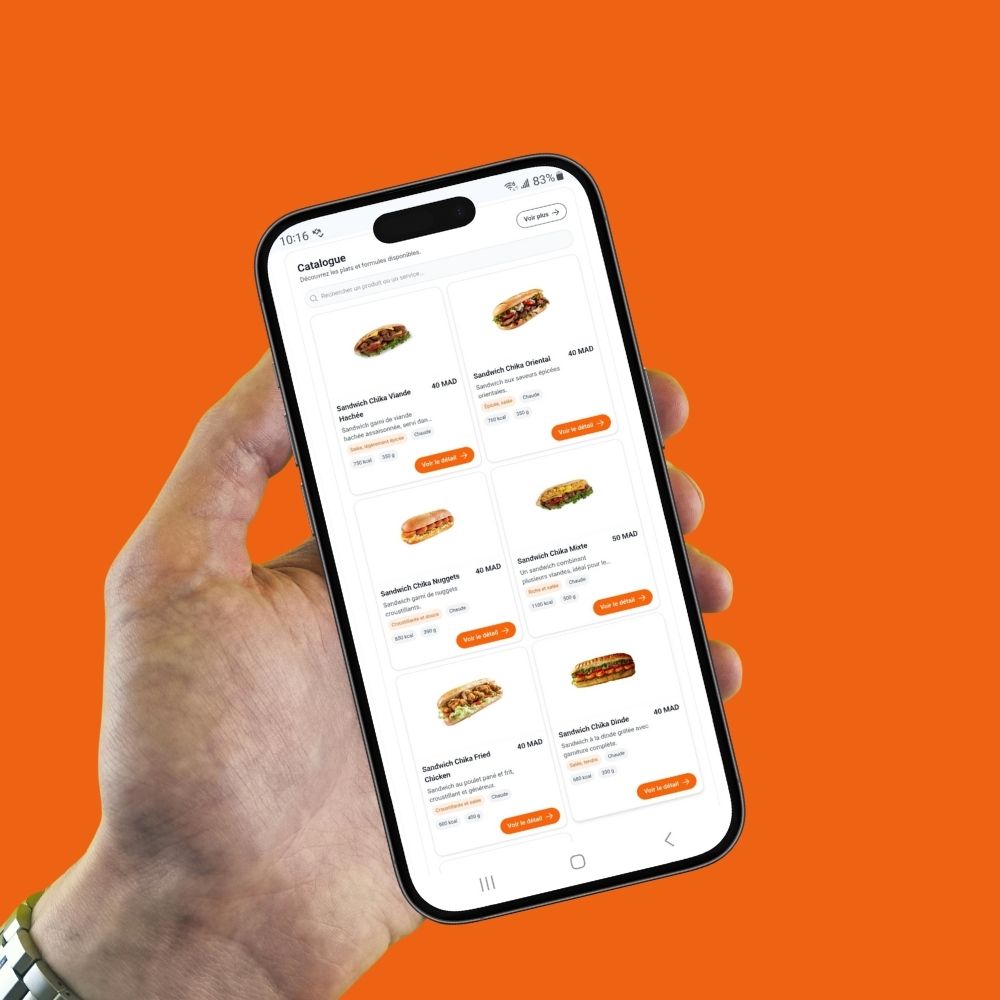 Business Tips Welcome to JBUJB – The Future of Digital Menus Welcome to JBUJB – Transforming Restaurants with Smart Digital Menus We are excited to welcome you to JBUJB, a modern digital QR… 1 year ago · 1 min read
 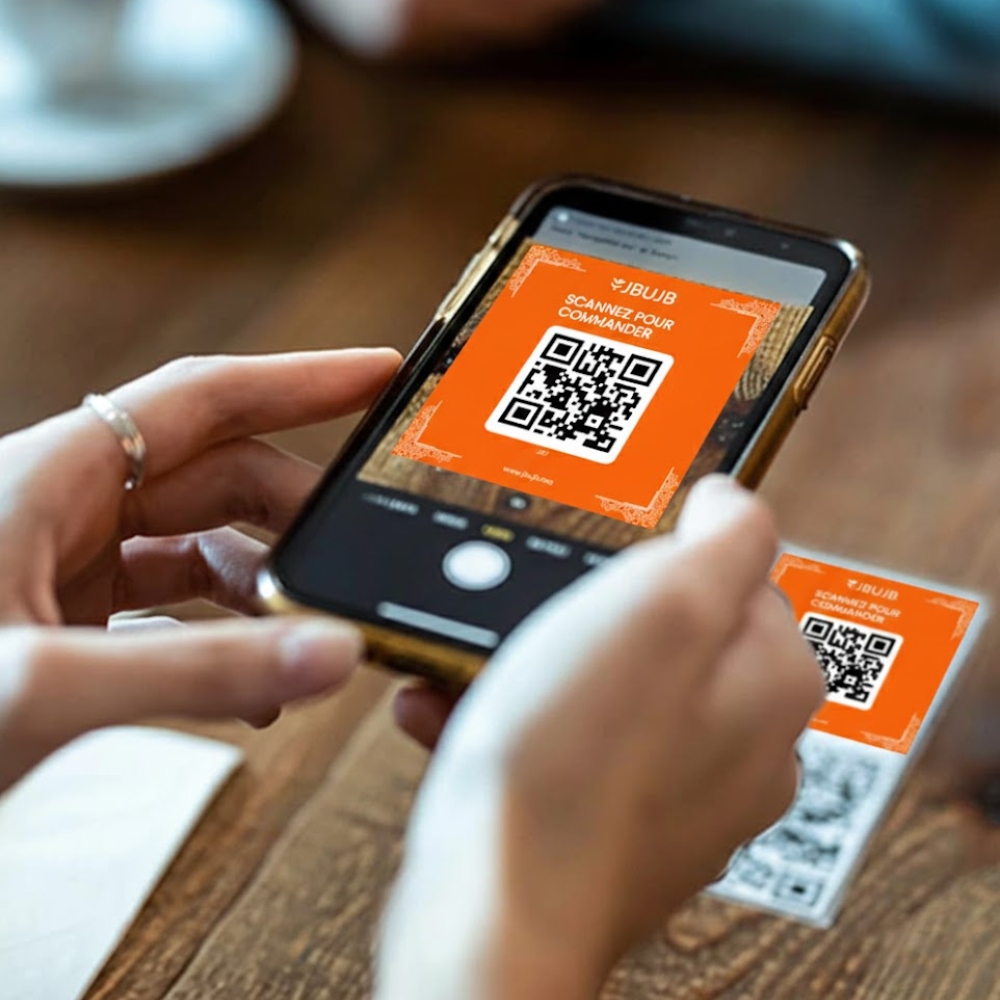 Business Tips Why JBUJB Was Created Why We Created JBUJB The restaurant industry is evolving. Customers want contactless experiences, fast service, and easy access to menus on their… 1 year ago · 1 min read
 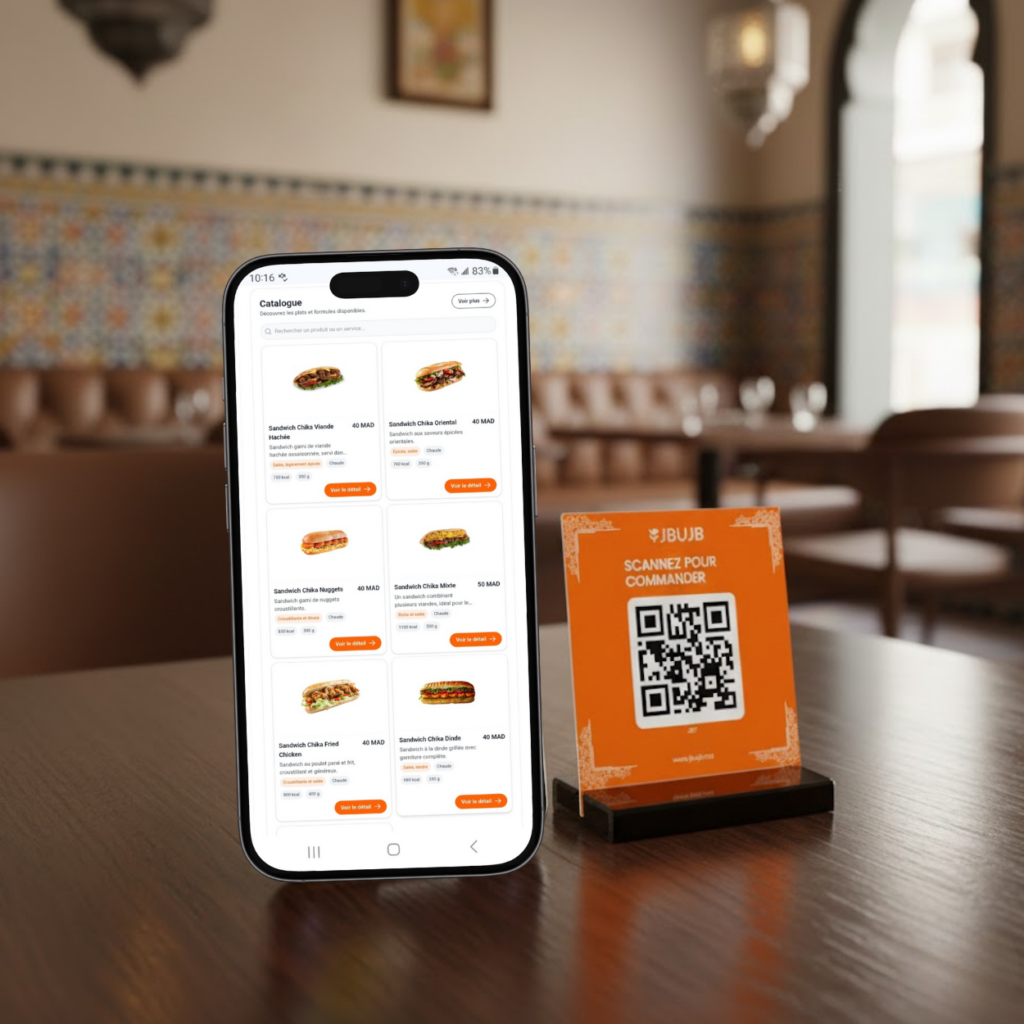 Business Tips How JBUJB Helps Restaurants Grow Growth in the restaurant industry requires efficiency, innovation, and customer satisfaction. JBUJB supports restaurants by providing a digital QR menu system that… 1 year ago · 1 min read
  Digital Menu Episode 5: Moroccan Olive Oil: From Traditional Food to Natural Skincare & Wellness Moroccan Olive Oil: Traditional Uses for Health, Beauty & Wellness SEO Title (60 characters): Moroccan Olive Oil: Health, Beauty & Wellness Benefits… 9 months ago · 4 min read
  Business Tips Best Food Delivery Apps for Restaurants in Morocco Glovo, Jumia Food, Yassir, and local platforms compared: where Moroccan restaurants actually get delivery orders in 2026, and how to combine them… 2 months ago · 2 min read