
JBUJB Reservation System: Run Restaurant Bookings Without a Paper Diary
On this page
- What is the JBUJB reservation system?
- How a reservation moves through your service
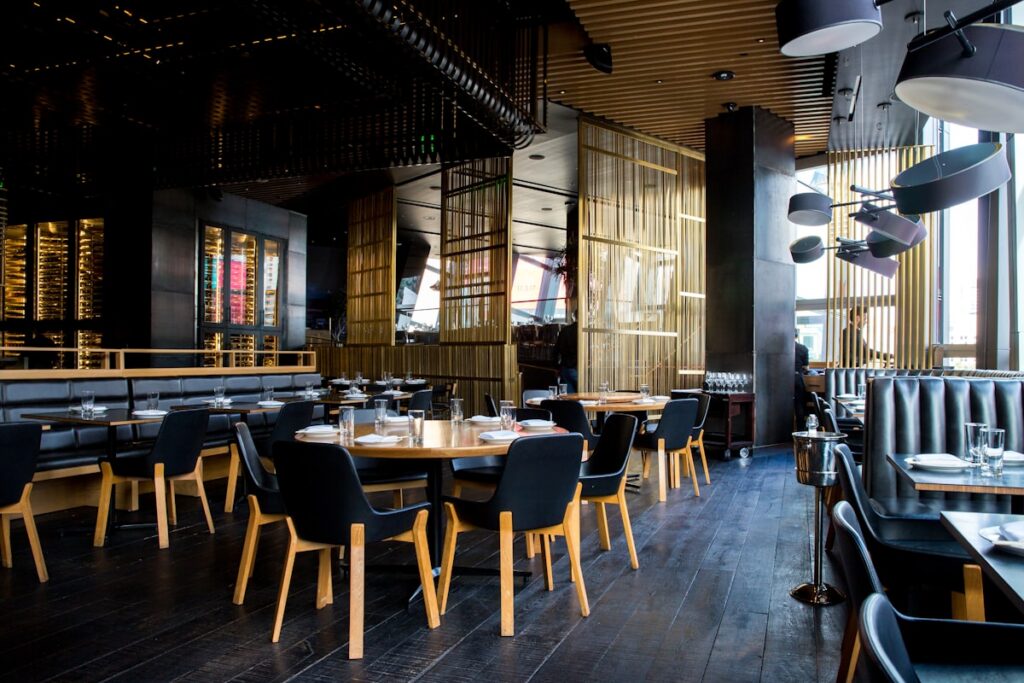
- The floor plan that shows everything at a glance
- Today’s arrivals, with names and times
- Free, occupied, or reserved — one single view
- No double bookings, by design
- When every table is taken
- Reservations and the register, one single source of truth
- Why this matters for restaurants in Morocco
- Getting started is simple
- FAQ
- Does the floor plan show today’s reservations?
- How do I avoid double bookings?
- Does the floor plan handle groups and dinner peaks?
Phone ringing in the middle of service, a paper diary at the host stand, and the risk of promising the same table to two groups: for many Moroccan restaurants, reservations are the most stressful part of the day. The JBUJB reservation system solves this with one simple idea — reservations and your floor plan live in the same tool, in real time. In this guide, we walk through what it is, how a booking moves through a service, and why it helps you fill more tables.
What is the JBUJB reservation system?
The JBUJB reservation system centralizes every booking and your entire dining room in a single view. You see the tables that are occupied, the groups waiting, and the arrivals expected today — without a paper diary, without a forgotten phone call, and without double bookings in the middle of service.
It is not a separate notebook next to the register: reservations and the register share the same floor plan, so the availability you announce to a caller is the real availability of your room.
How a reservation moves through your service
- You take the booking. The reservation is recorded in JBUJB with the guest’s name, the time, and the number of covers.
- It appears on the floor plan. The reserved table shows the guest’s name and arrival time at a glance — the team knows who is coming and when.
- You prepare before they arrive. The server knows exactly which table to set before the party walks in, even during a busy service.
- The plan stays live. During service, every table is visibly free, occupied, or reserved for later — no walking the room, no asking around.
- The table flips. When the guests leave, the table becomes free on the plan and can be offered to the next reservation immediately.
The floor plan that shows everything at a glance
Today’s arrivals, with names and times
Each reserved table appears on the plan with its arrival time and the guest’s name. Your host welcomes people by name, and the kitchen or the server can anticipate the party before it reaches the door.
Free, occupied, or reserved — one single view
When the room gets busy, the plan clearly shows what is free, what is occupied, and what is held for a later reservation. You can quote a realistic wait to walk-in guests instead of refusing them outright — and you can spot which table opens up first, so the next group is seated without a scramble at the host stand.
No double bookings, by design
Because reservations and the register run on the same floor plan, a table that is already booked is never offered to another guest. Availability is calculated once, in one place — the classic “two parties, one table” scenario simply cannot happen.
When every table is taken
A full room is a good problem — but only if it is managed calmly. With JBUJB, a full house turns into a waiting list you can actually run: the plan shows which table will free up first, how many covers it seats, and which waiting group fits it best. Large groups are handled the same way: merge or move tables on the plan and keep the reservation attached to the right spot.
Reservations and the register, one single source of truth
Because the booking and the bill live side by side, your team sees the current order next to the guest’s name. Lunch and dinner peaks run more calmly, the host stand stops guessing, and you reduce the empty tables that used to sit unused while guests waited elsewhere.
Why this matters for restaurants in Morocco
- Phone-heavy booking culture. Most guests still book by phone — the system turns every call into a structured reservation in seconds.
- Peaks that matter. Friday lunches, holiday dinners and summer crowds in coastal cities: the plan keeps the room under control when volume spikes.
- Mixed clientele. Local families, business tables and tourists: names and covers on the plan help every language of welcome.
- Fewer empty tables. Every seat you free faster is a cover you can sell — the direct way to raise revenue without adding staff.
Getting started is simple
Draw your dining room once in JBUJB, exactly as it is organized. From then on, every phone booking is entered in a few taps, every member of the team sees the same plan, and your reservations finally live in one place — next to your orders and your register, not on a piece of paper.
FAQ
Does the floor plan show today’s reservations?
Yes, each reserved table appears on the plan with its arrival time and guest name, so the team can prepare the welcome without a paper diary.
How do I avoid double bookings?
A table that is reserved is no longer offered to another guest: availability is calculated on the same plan as the register, with no double entry and no conflict.
Does the floor plan handle groups and dinner peaks?
Yes, you track occupied, free and reserved tables in real time, which helps you seat large groups and reduce empty tables during the busiest services.
Ready to run your reservations like your register? Discover JBUJB and its reservation system built for Moroccan restaurants — and read our complete guide to restaurant POS systems to see how bookings, orders and stock connect in one platform.
Centralise your orders, tables and sales
Menu, ordering and reporting for restaurants and cafés.
Discover JBUJBRelated articles
 Business Tips POS Cash Register System for Restaurants in Morocco: The Complete Guide Features, selection criteria and the JBUJB POS solution: everything you need to know about cash register (POS) systems for restaurants, cafés and… 4 weeks ago · 8 min read
 Business Tips Welcome to JBUJB – The Future of Digital Menus Welcome to JBUJB – Transforming Restaurants with Smart Digital Menus We are excited to welcome you to JBUJB, a modern digital QR… 1 year ago · 1 min read
 Business Tips Why JBUJB Was Created Why We Created JBUJB The restaurant industry is evolving. Customers want contactless experiences, fast service, and easy access to menus on their… 1 year ago · 1 min read
 Business Tips How JBUJB Helps Restaurants Grow Growth in the restaurant industry requires efficiency, innovation, and customer satisfaction. JBUJB supports restaurants by providing a digital QR menu system that… 1 year ago · 1 min read
 Trends & News Top Moroccan Restaurants in Marrakech Marrakech is a city full of culture, colors, and flavors. For food lovers, experiencing authentic Moroccan cuisine is a must. From traditional… 1 year ago · 2 min read
 Business Tips Best Food Delivery Apps for Restaurants in Morocco Glovo, Jumia Food, Yassir, and local platforms compared: where Moroccan restaurants actually get delivery orders in 2026, and how to combine them… 2 months ago · 2 min read